This week got me started on a big milestone in our thesis journey: The Midterm Presentation, which is coming up, and it is coming up fast. We weren’t supposed to start our presentation just coz it’s a presentation; it is way more important to have material that you want to put IN the presentation. However, my approach to this presentation is a little different. I am using this as an excuse to test out Figma’s prototyping abilities when it comes to the type of prototyping I am trying to do for my actual thesis. So I am structuring the presentation as a game that you play through, the narrative for which is going to be all the progress I have made on my thesis so far.
Low-Fidelity Prototype:
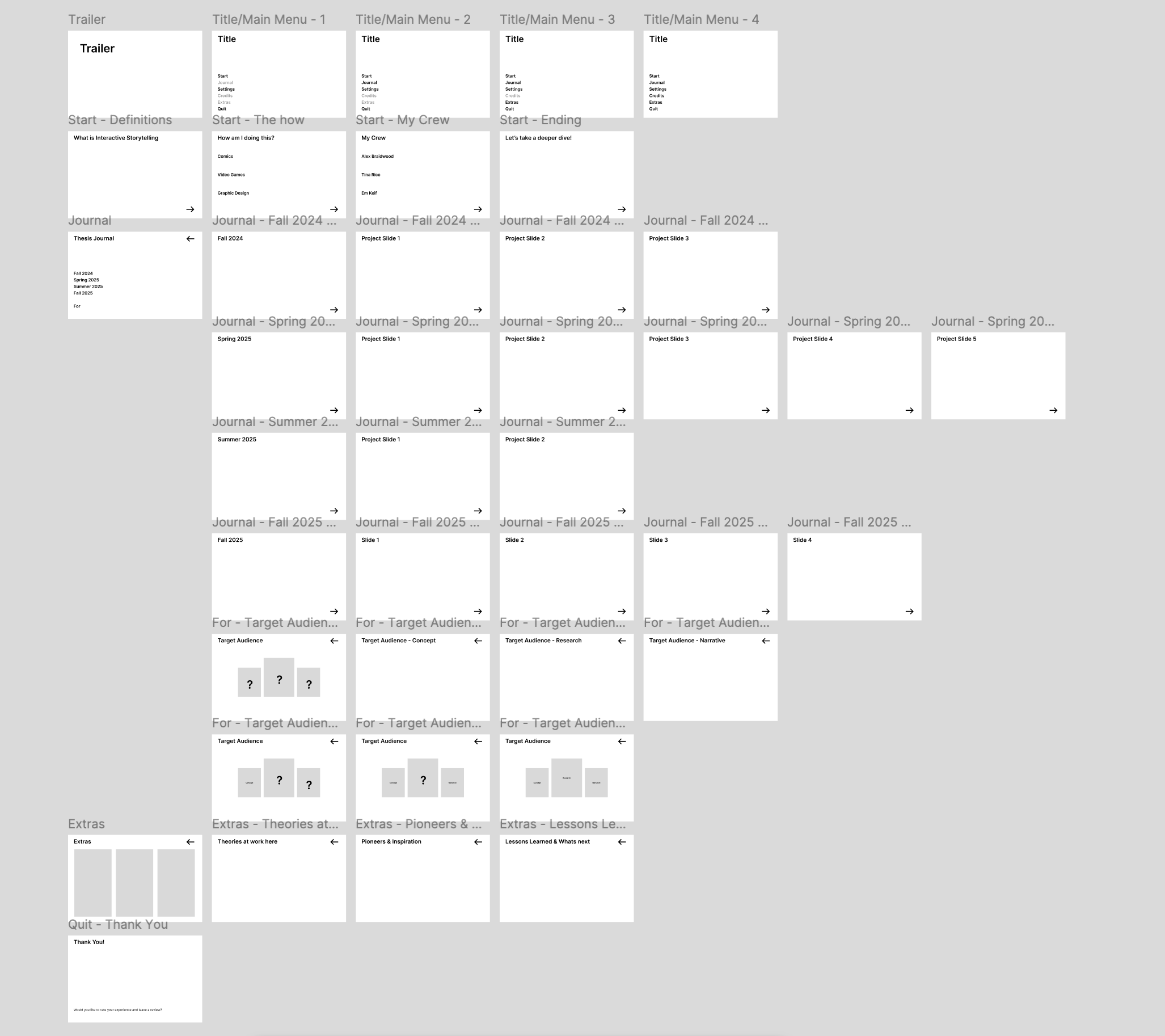
To start off, I sketched out a rough wireframe for the entire flow that I intended for my presentation. Once I was satisfied with that, I took that into Figma and created a low-fi version for it. This helped me see if the flow worked or not. While I was creating and testing this low-fi prototype, I had to make tweaks and changes within the structure and the flow as I went through it repeatedly. This is the best part about working in a prototyping tool like Figma: you get to test things as you go and make fixes and adjustments along the way. For example, I only had one title screen, and all the options on that screen were clickable, which could possibly lead to someone clicking on one of the later options first and not having the required context for the content they end up looking at. To fix that issue, I made multiple versions of the title screen where it starts with only one option that you could click on, which takes you to the first chunk of information you would need. After you go through that, you get access to the next option, and then the next, and so on. This low-fi prototype also gave me a sense of how much content I would need to produce, such as the Thesis Journal screen that takes you to the progress for each semester and to the target audience, and other such sub-category screens.
Tweaking the first trailer:
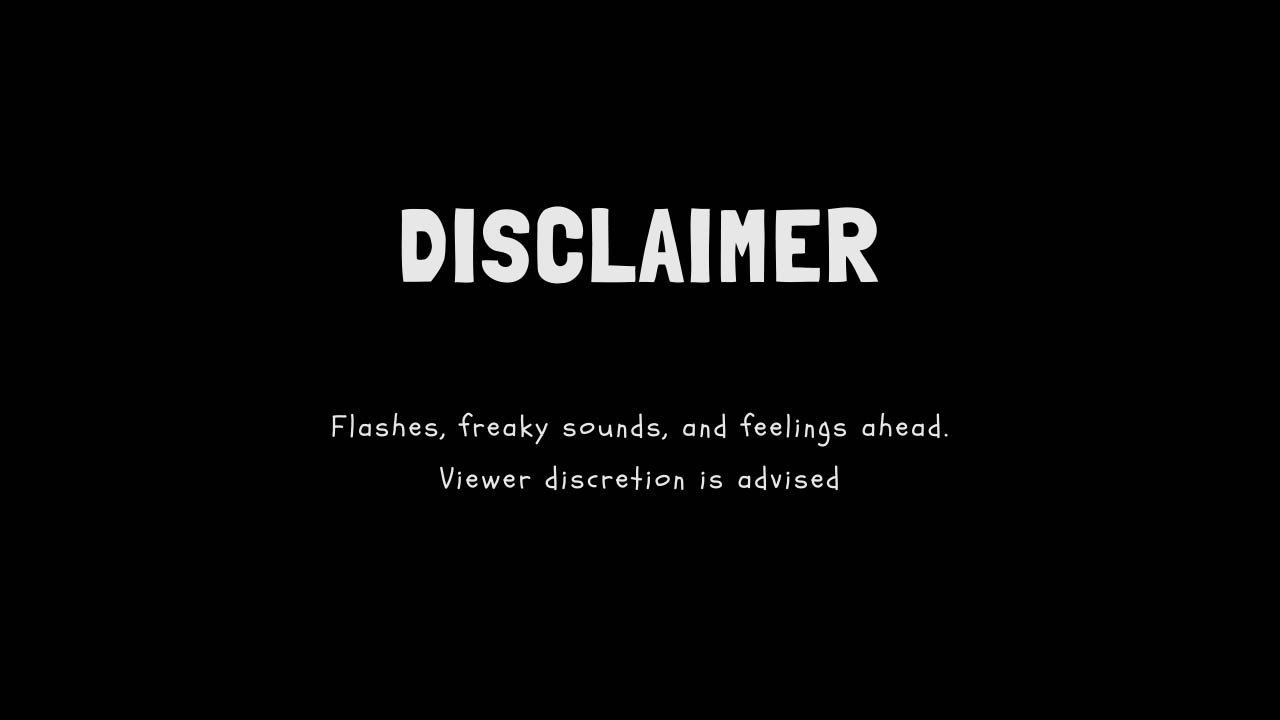
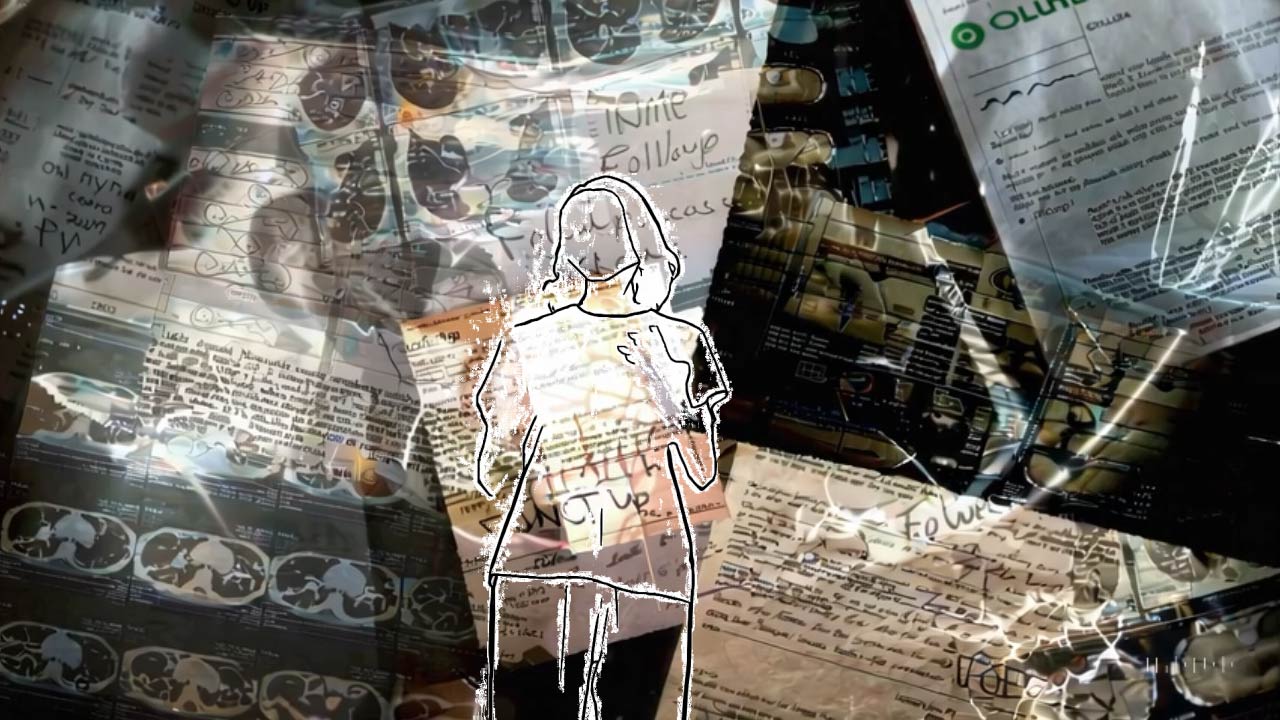
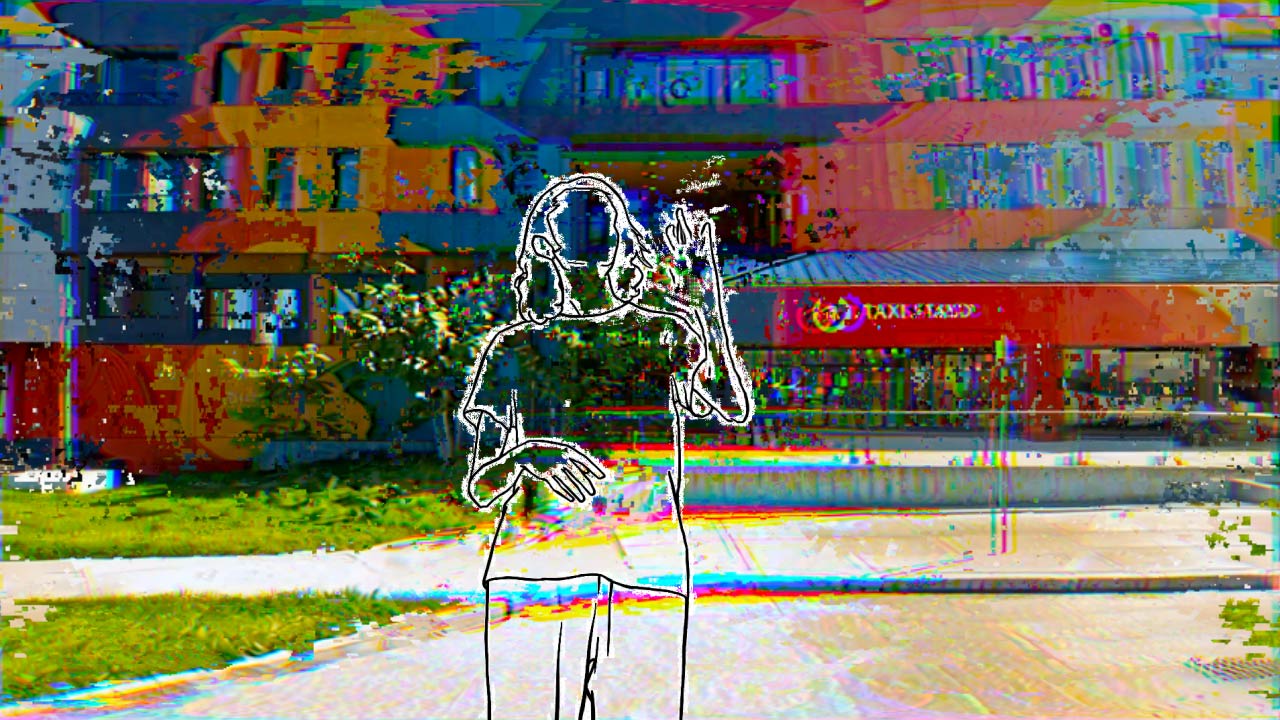
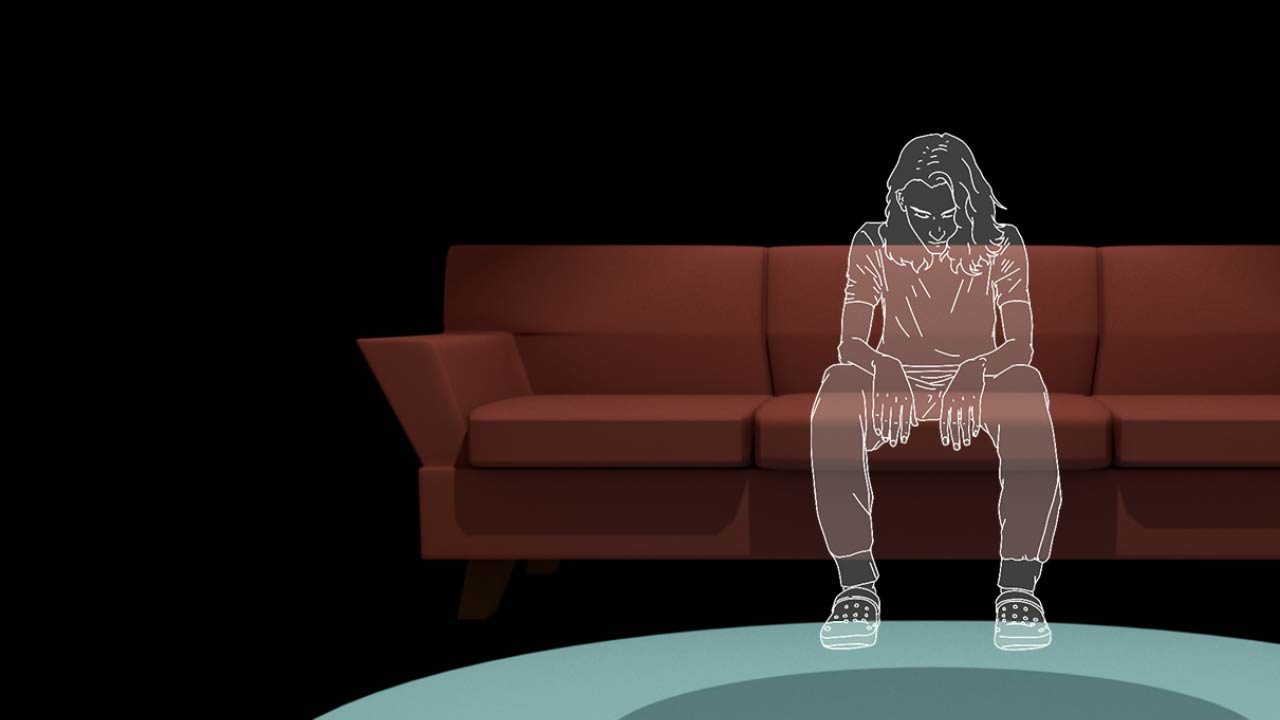
After getting the first prototype’s wireframe down, I started on the content for the main thing. First things first, I needed to change the very first trailer I made for one of my animation electives to fit this medium. There wasn’t a lot I needed to change there; it was just changing the fonts to the Disclaimer Statement, removing the title I had back when I created it, and then changing the composition for the very last scene so that it seamlessly integrates into my presentation. The idea here was to make it into the very first cinematic that you see when you first launch a game that takes you to the title screen, sometimes also referred to as the main menu screen.
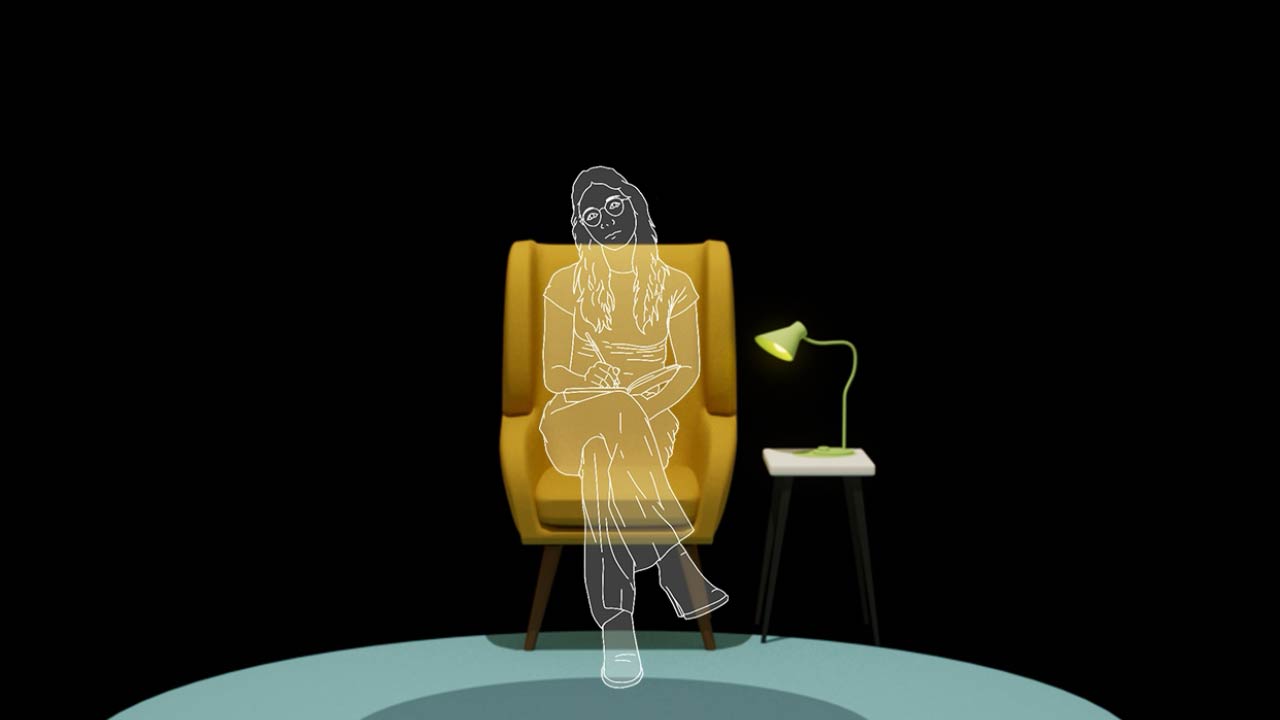
Creating the title screen:
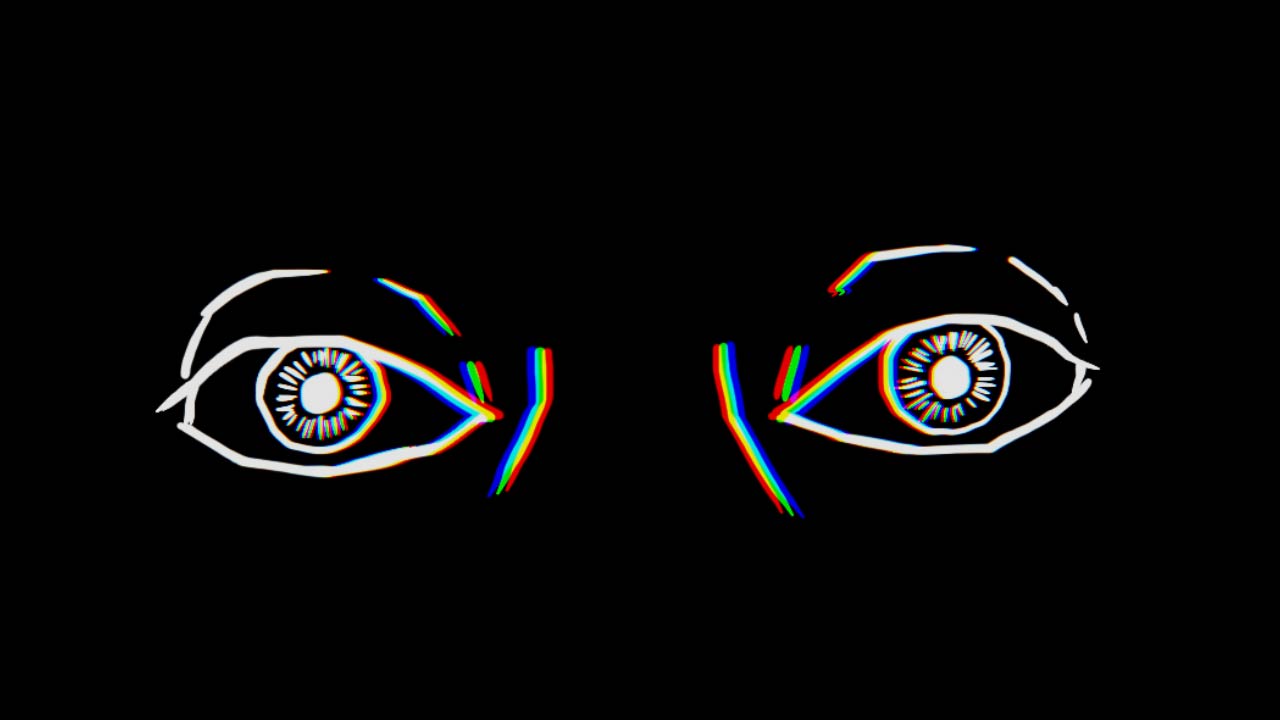
Once I was happy with the cinematic video, I plugged that into Figma to see if it worked as the prototype was intended. I learned that it doesn’t look like a professionally created game, but it serves the purpose of a demo prototype. The cinematic plays on it’s own and the sound works as well, but the transition from the last frame of the video to the main menu or title screen has a quick instant flash. I tried all the different animation and transition options that Figma has, but nothing seemed to make it ease into the next frame (title screen).
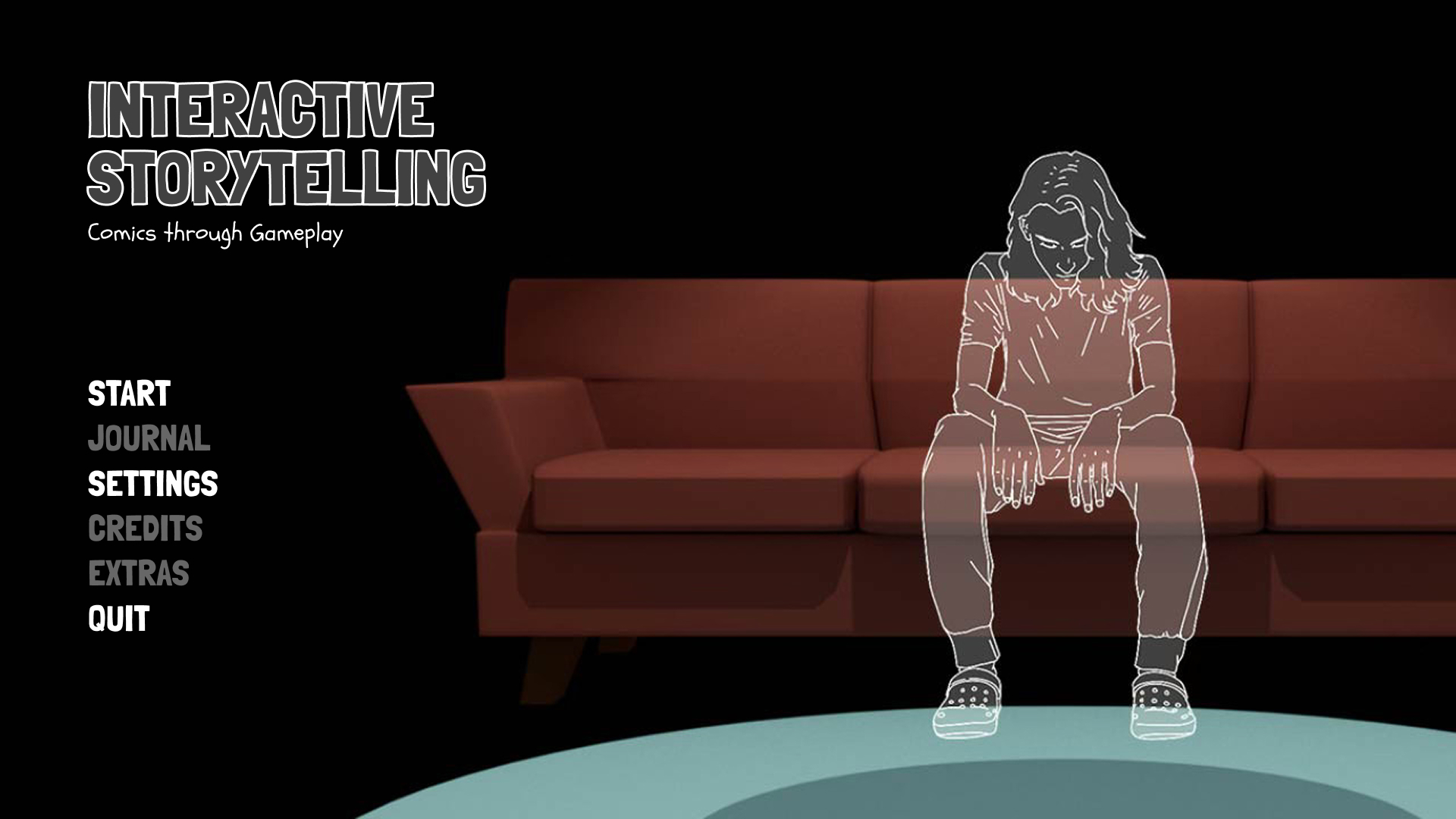
I then exported the last frame of the cinematic as a JPEG and plugged that into Figma to serve as a static background for my title screen. I incorporated a type-based title, “Interactive Storytelling: Comics through Gameplay,” and I designed the UI to look like an actual game, as shown in the image below:
Thesis Journal screen:
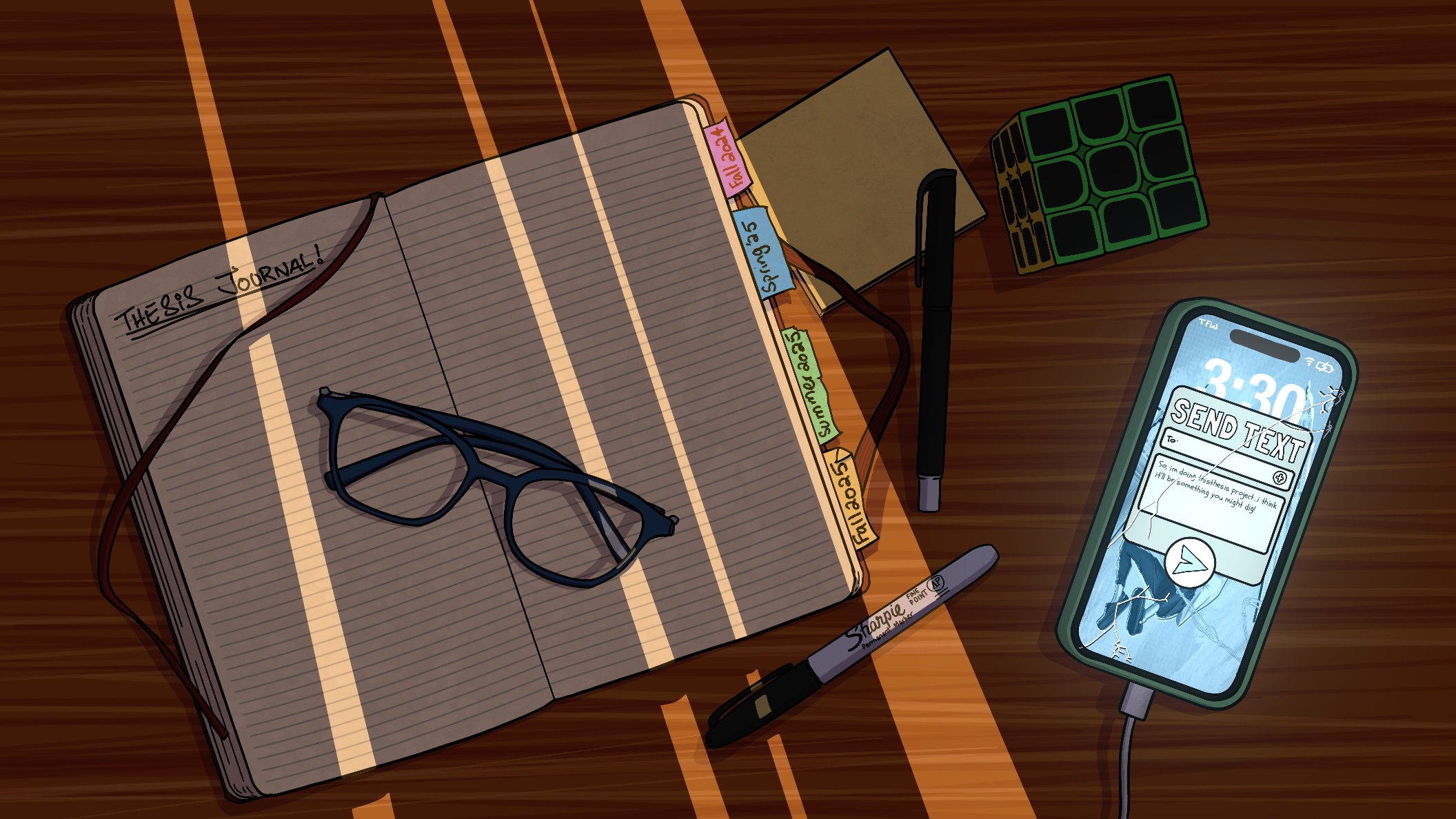
After making sure the transitions worked “perfectly,” I started brainstorming ideas for one of the following screens, i.e., the Thesis Journal screen. I needed something to take the viewer to my overall progress in a chronological order, starting from fall 2024 to the present. I thought of doing an illustration of an open notebook that has tags coming out of the right side that have labels for each semester: Fall 2024, Spring 2025, Summer 2025, and Fall 2025. Each of the labels would take us to the said semester’s work. Other than that, I also wanted to place the access to the target audience on the same page. At first, I thought I would put that as a note on a box that needs to be shipped while leaving the “To:” field blank. However, this did not appeal to me that much and wasn’t really related to anything within my project, so instead I decided to do a phone call with a text message pop-up ready to be sent to someone. This relates more to things from my project, as I use text conversations in multiple instances throughout the project. To hint where the clickable options are, I used light as a visual cue. Keeping the entire scene rather dark and then having a light source shine bright slits of light on the tags showing out of the notebook to quite literally “shed light on them” and having the phone screen glowing as if the screen was on.
Thesis Committee Meeting:
The most crucial event of the week was my thesis committee meeting, where I gave a recap of what I am doing, my progress so far, and what my concerns are by far. All my committee members’ thoughts gave me clarity and helped me figure out my direction going forward, as I was confused, lost, and starting to panic a little. I was focused on too many different aspects, resulting in a lack of clarity and cohesiveness in my project. They helped me realize the importance of my narrative and how it is more important for it to seem complete. The timing of this meeting was coincidental, as it wasn’t long before I started to realize that what I was doing wasn’t taking me anywhere, and then my committee members came to the rescue, nudging me in the right direction. I feel like I have a better understanding of how to take my project further now and figure out the next steps.
Coming up next…
- In the coming week, my primary focus will be to finish up the working prototype, i.e., the presentation.
- On the back burner, I am going to start drafting out my narrative. I think I will start small, but still complete, and then see if I need to add more to it.