What I watched:
Drawing Practice For Graphic Designers – Not Stupid
https://www.youtube.com/watch?v=mPAeE7Od-GQ
This was a 10-minute video where he talks about how graphic designers should draw and practice their drawing for the realm of graphic design. He concludes that, as graphic designers, we should stick to the Indexical-Geometric-Graphic plane on the 5-dimensional graph he talks about in his video.
What I found the most intriguing about his advice was that I should free myself up from reference-based realistic drawing that I have been focused on and try experimenting freely. I will try to incorporate that into my further experimentation to see how that works out for me. This should be interesting to see my “DRAWING” relate relatively closely to “GRAPHIC DESIGN” through this practice.
Interactive Storytelling with Matthew Weise | Screenwriting Interview
https://www.youtube.com/watch?v=gCrQjUAXl9k
While I work on drafting the first draft of my tiny little script for my tiny little prototype, I was searching up resources, and I ran into this neat little (not so little) talk on Interactive Storytelling featuring Matthew Weise, who talks about what makes interactive storytelling so interesting and fun to work with.
Since I am working with interactive storytelling, I found this entire talk more interesting than the Adam Sandler movie I put on one night to take a break. However, there were two main takeaways or standouts for me in this talk that are worth mentioning and that might be used as a defensive statement as to why I love this medium so much:
- Non-linear media (games) have more action verbs. This means that there is more happening in non-linear media to keep a user hooked and maintain interest and cognitive engagement.
- Interactive storytelling has conflicts and goals. This sums up the mechanics of interactive storytelling very nicely. The term conflict here means points of user influence where a user has to decide, and how it changes or drives the narrative further. Goals suggest literally goals that the user is thinking of accomplishing, which in some cases might not even happen, and they find themselves going down a different path.
- There is a very neat little workshop that Matthew mentions that he has people do, where he tells people to describe a narrative, JUST using verbs strictly. Then he tells them to pick 4 of them that describe the narrative the best. That helps define a lot of the mechanics and gives a general shorthand version of what the game is about. I plan on using this at some point just to see what I get out of this workshop.
What happened inside the classroom:
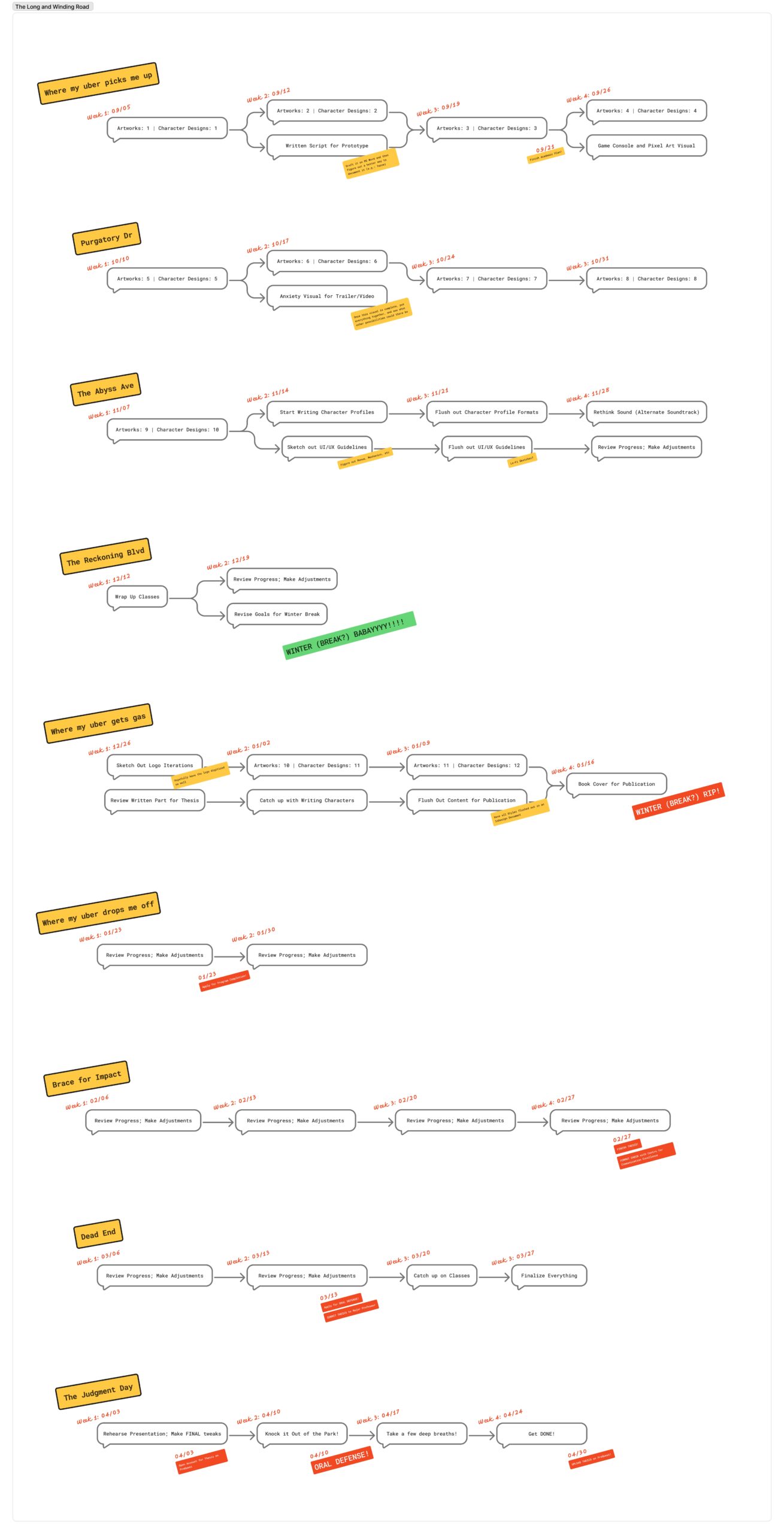
It is always interesting to see the different avenues a single project takes when different people work on it for themselves. I learned many different organizational methods that different people used that might also work better for me in terms of functionality. A good example of that was Carly’s timeline, which she did using Asana. I might plug all my deadlines into Asana at some point soon. The thing I liked about Asana, working for me, is that it is good for getting notifications and having notifications on all my devices.
I also need to plug in more “tasks” regarding my production and development phases and give myself time to keep experimenting on the production side of my project. A good way for me to do that, I think, would be to make my next presentation like a game with basic point-and-click mechanics. This should give me an idea of how much I can work on Figma, and if I even need to add a separate game engine to my workflow right away.
So, to sum up:
- Flush out tasks for production and development.
- DO NOT wait till almost the end to experiment with production systems like prototyping; instead, do them now on the go.
- Try Asana as a personal reminder and checklist system to see if that works better
What I worked on:
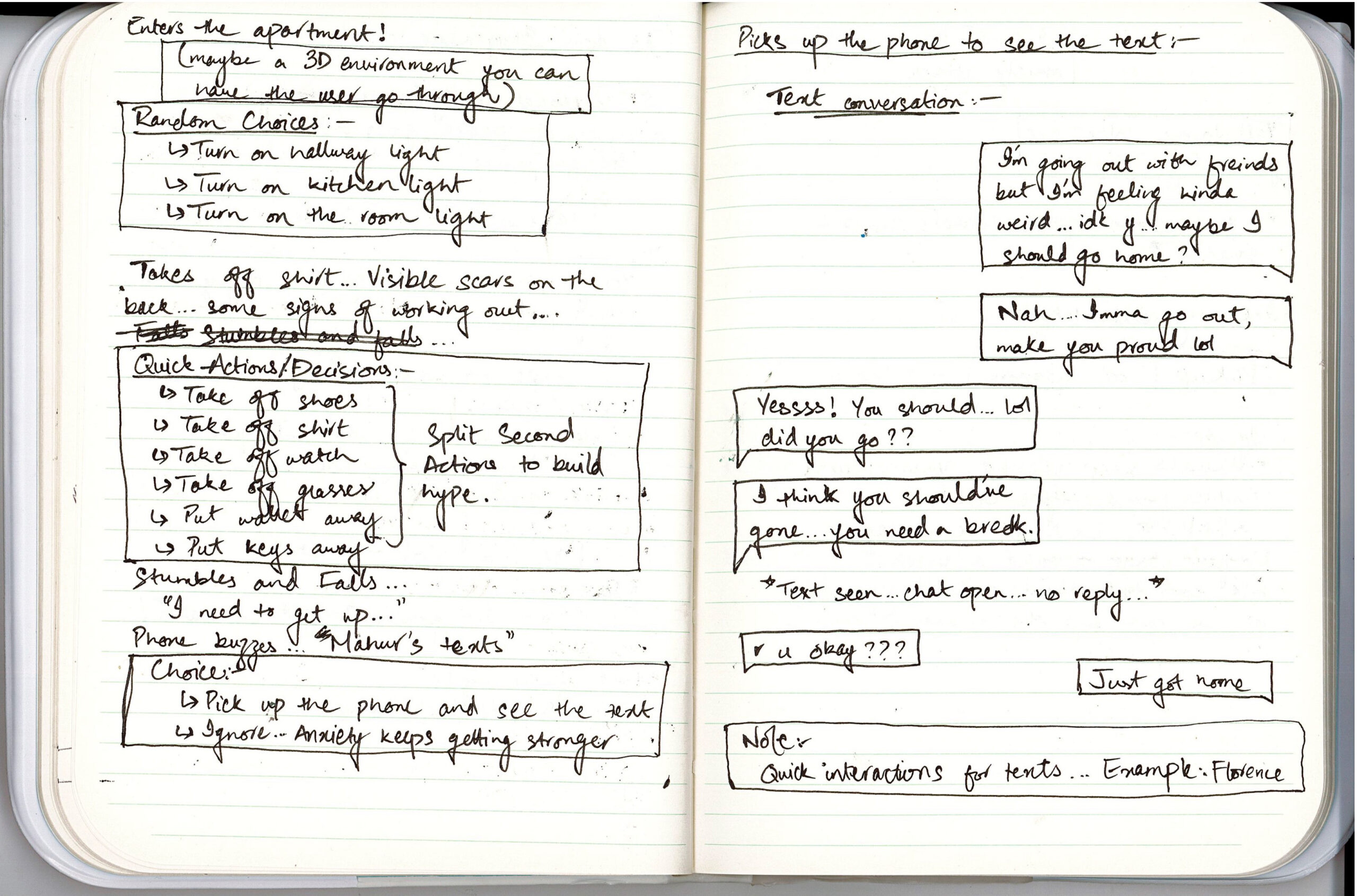
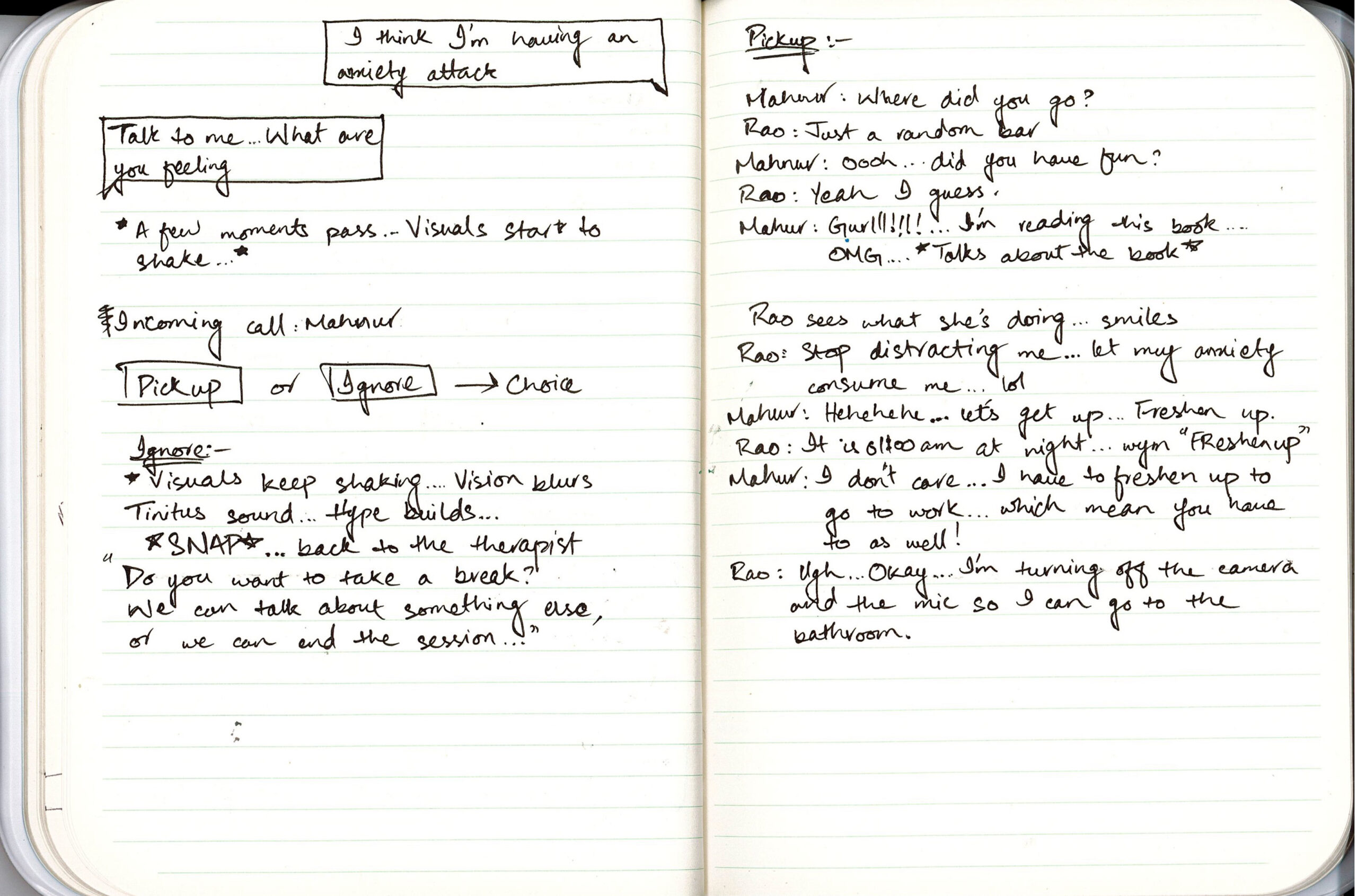
Other than the classroom assignment, I drafted out a short script in my notebook. As fun as it was, handwriting the script and seeing it come to life as the very first stage of mere notetaking, it raised a lot of concerns:
- How can I write it digitally while still having it make sense as an interactive narrative?
- Is there a specific tool that I can use to draft it?
So, the next steps I am taking for this are to research more on script writing for interactive storytelling, but first, maybe putting it down in a Word document using a color coding system to see if that makes sense.
Coming Up Next…
- A new artwork: I wonder if developing a moodboard of sorts would be helpful in figuring out what artwork I want to create each week. I think I might make one just to test things out.
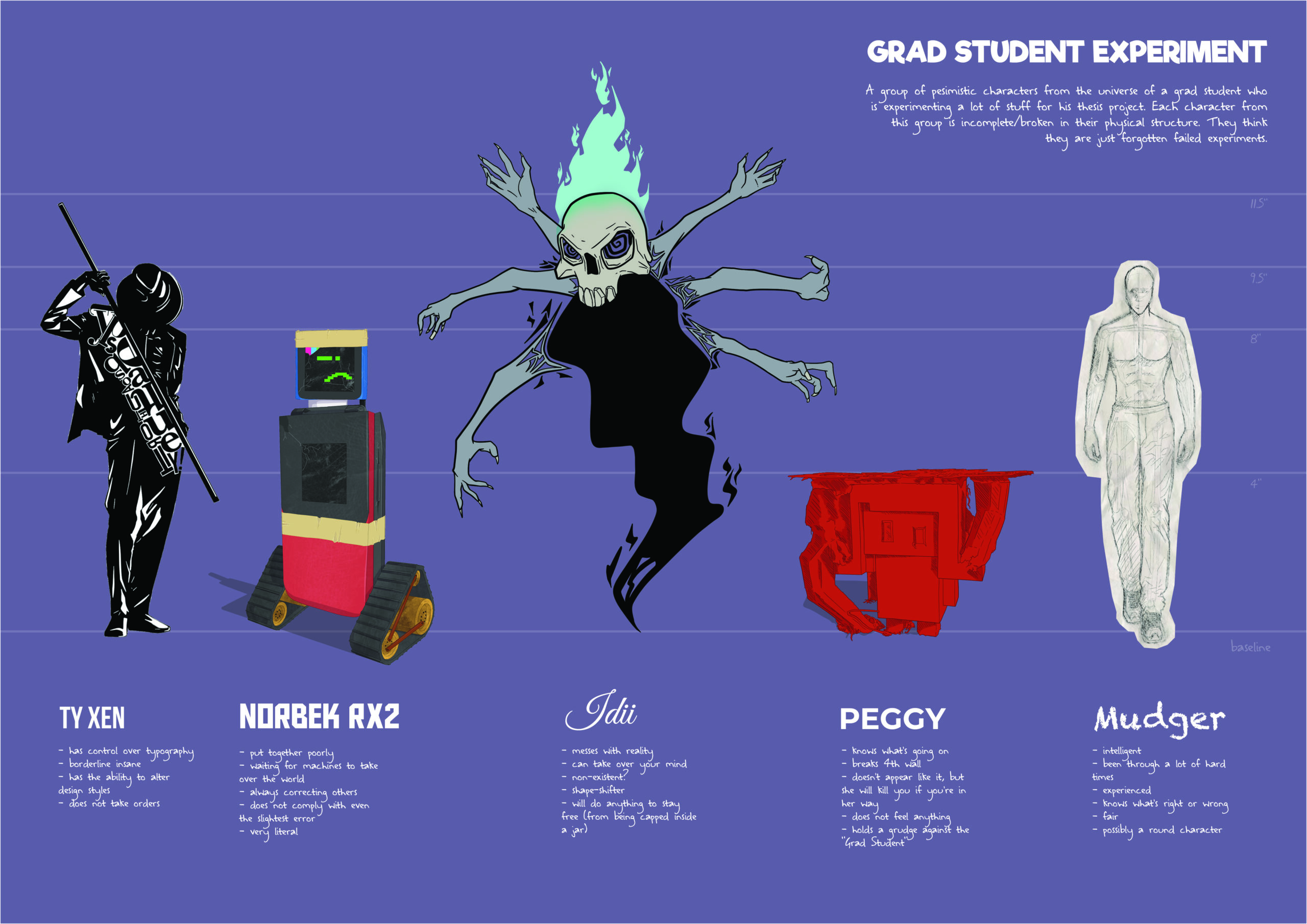
- A new character: The mental health problems embodied in a very dominant character, loosely based on one of the characters I made for one of my projects from last Fall: Ty Xen.
- Draft script’s first draft in a tabular document from the handwritten notes.